
Online Directory
We are thrilled to announce that the San Francisco Village Online Directory has launched! By moving to an online platform, we can ensure our community stays connected in real-time. Unlike the print edition, the digital directory is updated the moment a new member joins or someone changes their contact info—meaning you’ll always have the most current information at your fingertips.
How to Get Started
- Go to the Login Page: Visit the DirectorySpot login page.
- Reset Your Password: Click “Reset Password“ and enter your email address.
- Check Your Email: Look for a message from DirectorySpot (be sure to check your Junk/Spam folder!).
- Create Your Password: Click the green link in that email, type your new password twice, and click “Save.”
That’s it! You are now ready to log in. If you’re a visual learner, you can watch this short video guide to see how it’s done.
How to Access the Directory Later
Once your password is set, you can access anytime:
On your computer: Go to directoryspot.net and click “Login” in the top right.
On your phone: Download the app by searching for “DirectorySpot” in the iPhone App Store or Google Play Store.
Need a Little Help?
Technology can be finicky! If you run into any trouble, we are here for you. Reach out to info@sfvillage.org.

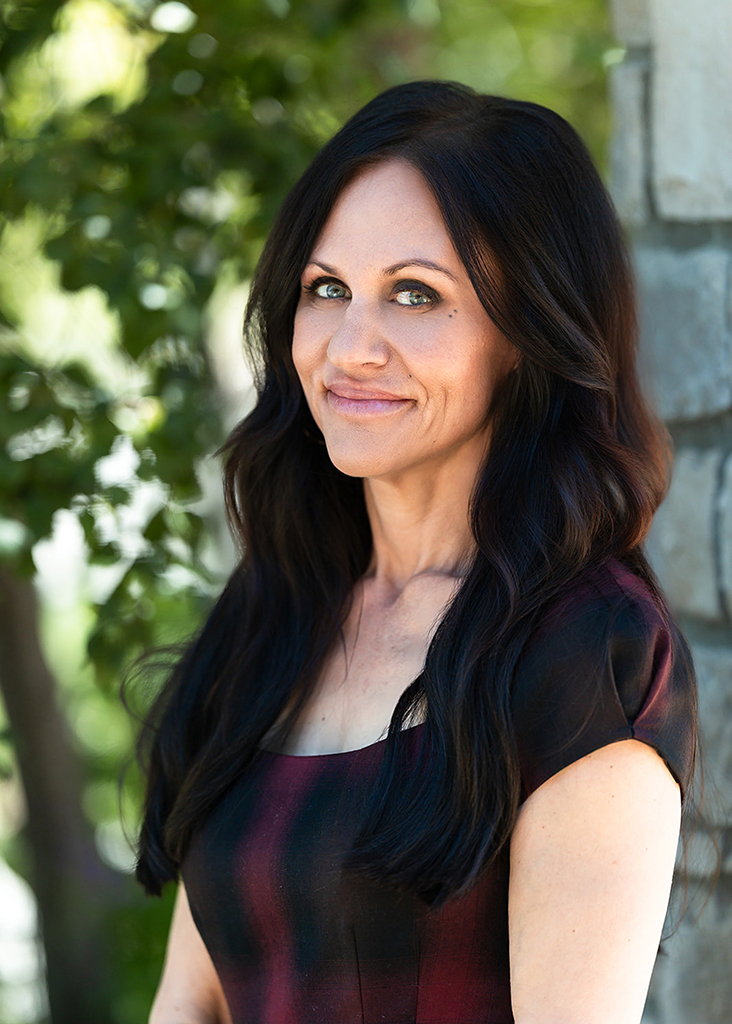
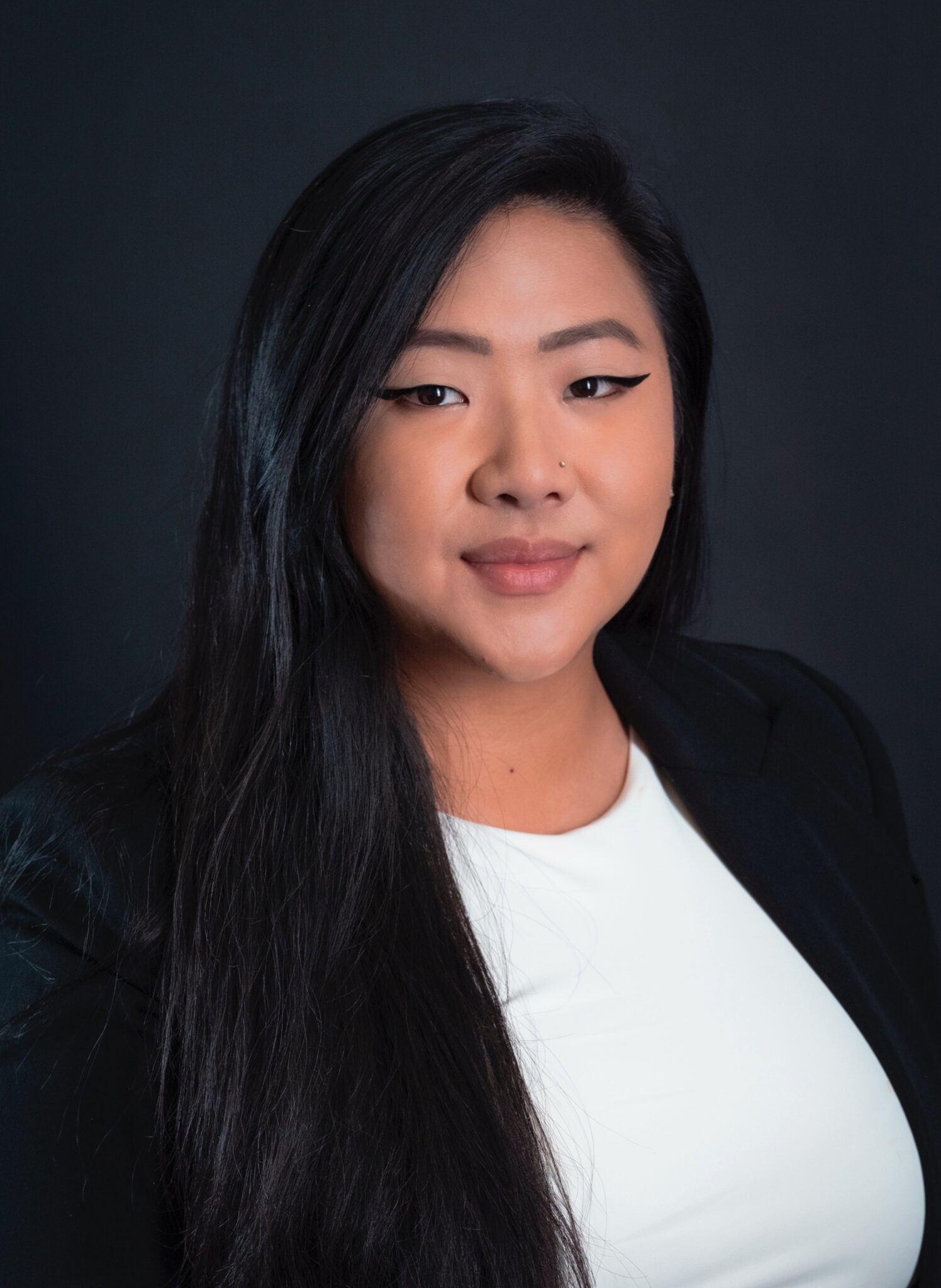
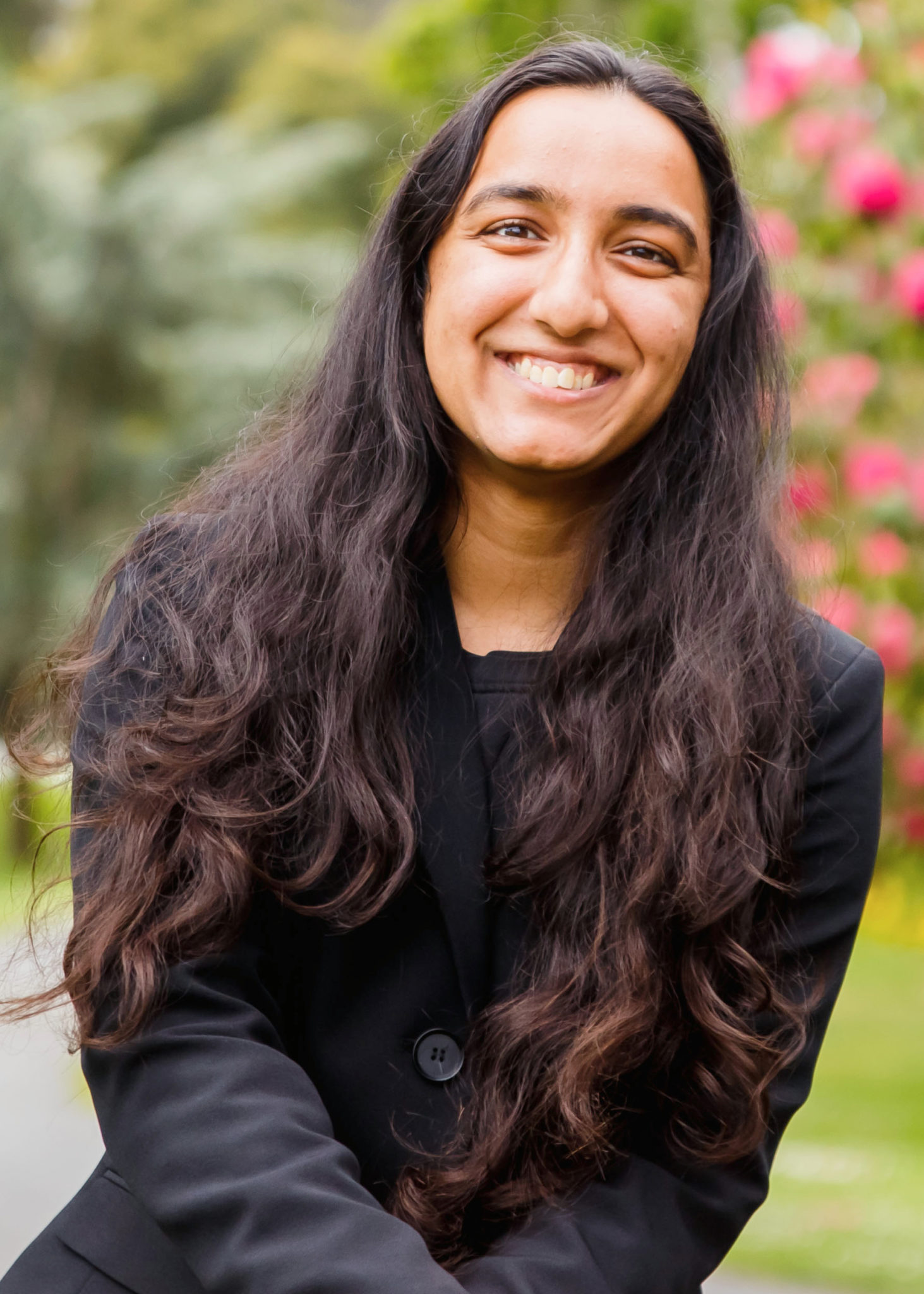
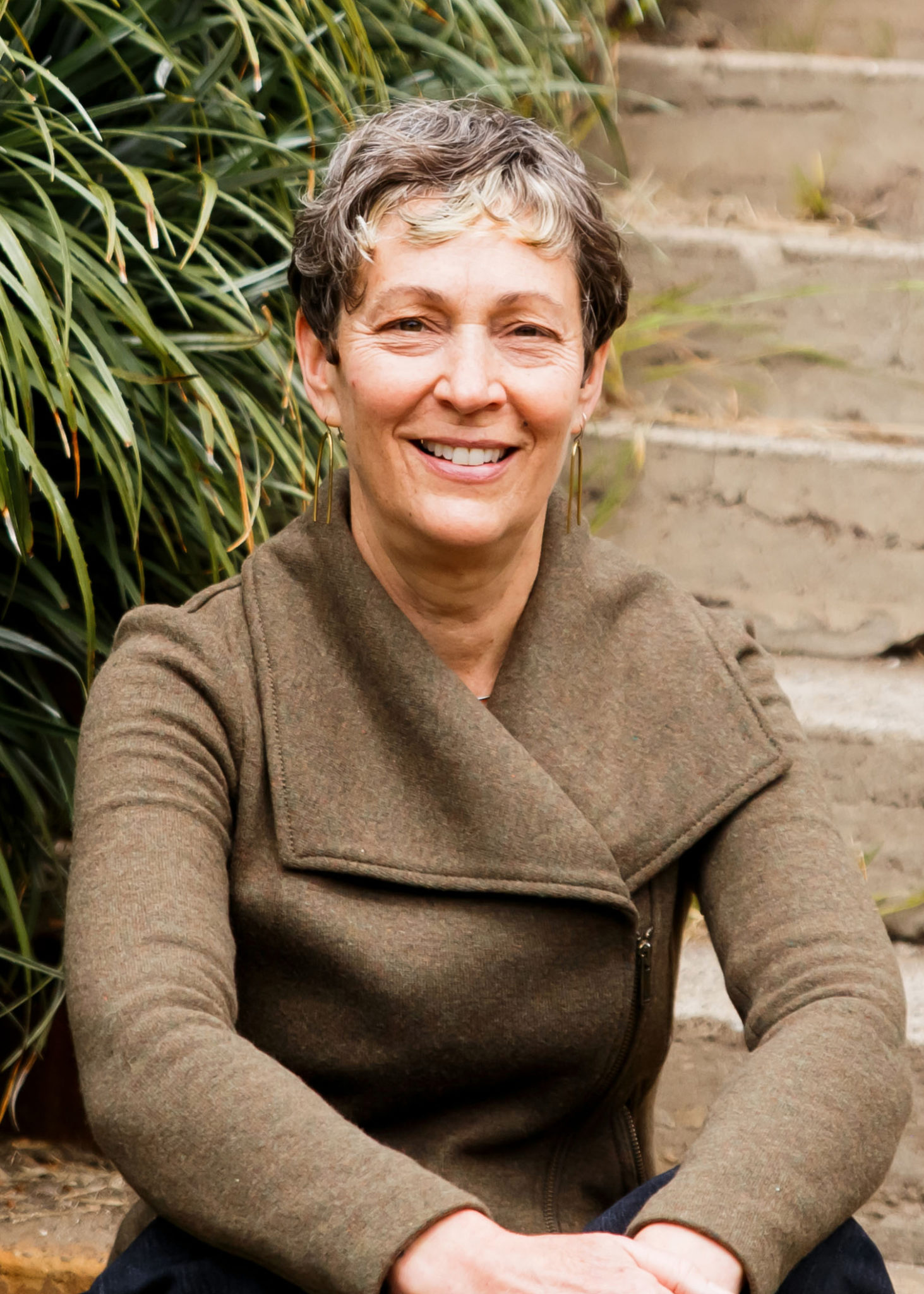
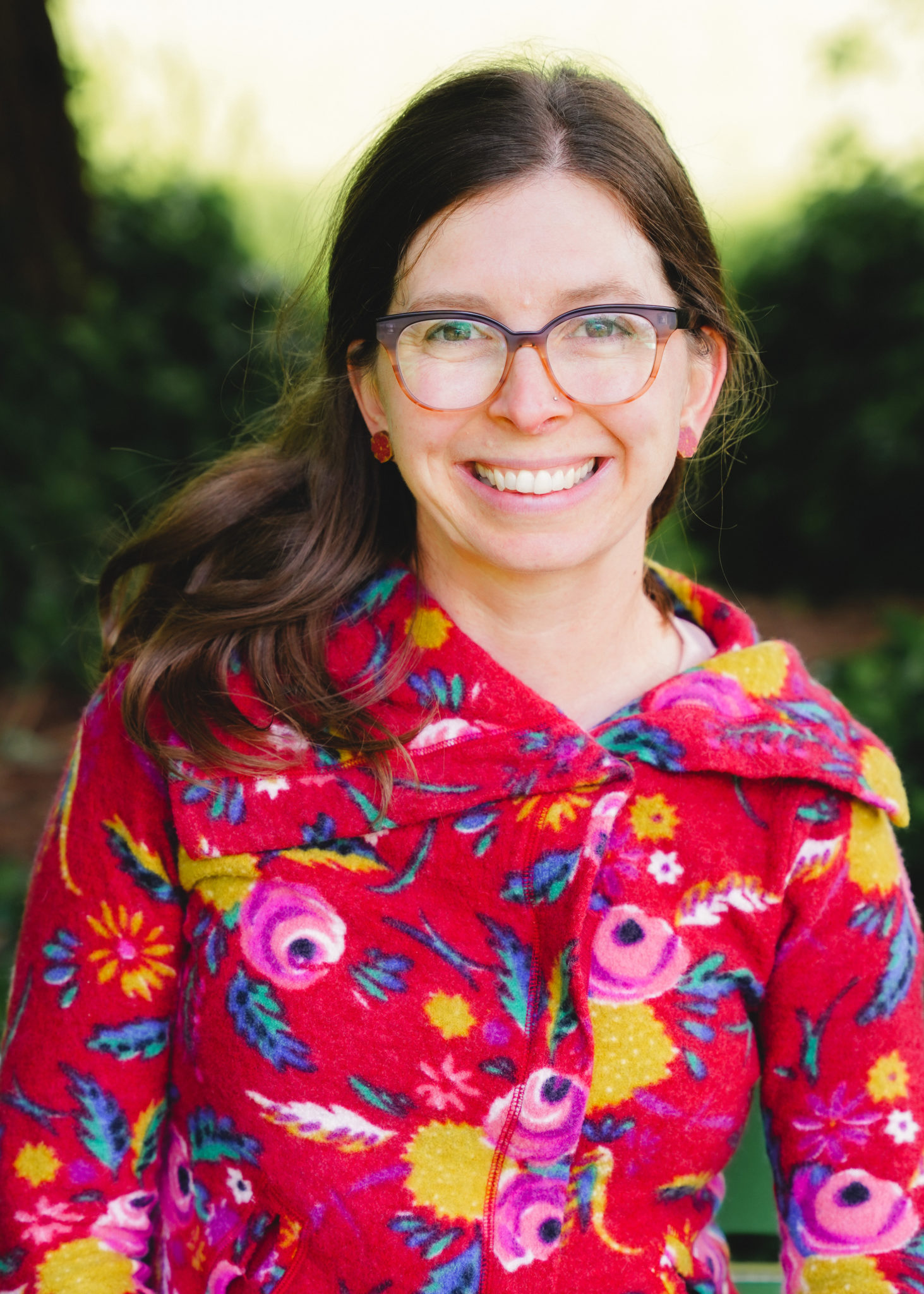
 Sara joined the team in 2018. She brings with her 20 years of experience in community development, philanthropy, and organizational management. She completed her bachelors at George Washington University and her masters at UC Berkeley. Her career focus has been on evaluating how community groups run from year-to-year and strengthening daily processes to increase institutional success. Sara loves travel and global development issues, particularly a non-profit she founded 10 years ago focusing on students’ access to school in Cambodia. Sara is raising her family here in San Francisco.
 Maya is a public relations and communications professional with more than a decade of experience; her expertise includes consumer products and technology PR, as well as event management and content development. She has been a pro-bono consultant with the Taproot Foundation since 2012, and has participated in three service grants to date. Maya attended the University of California at Los Angeles (UCLA) and graduated with a BA in mass communications and a minor in political science.